Windows 10 EOL: What You Must Do Before October 14 to Stay Secure
Time is Now of the Essence
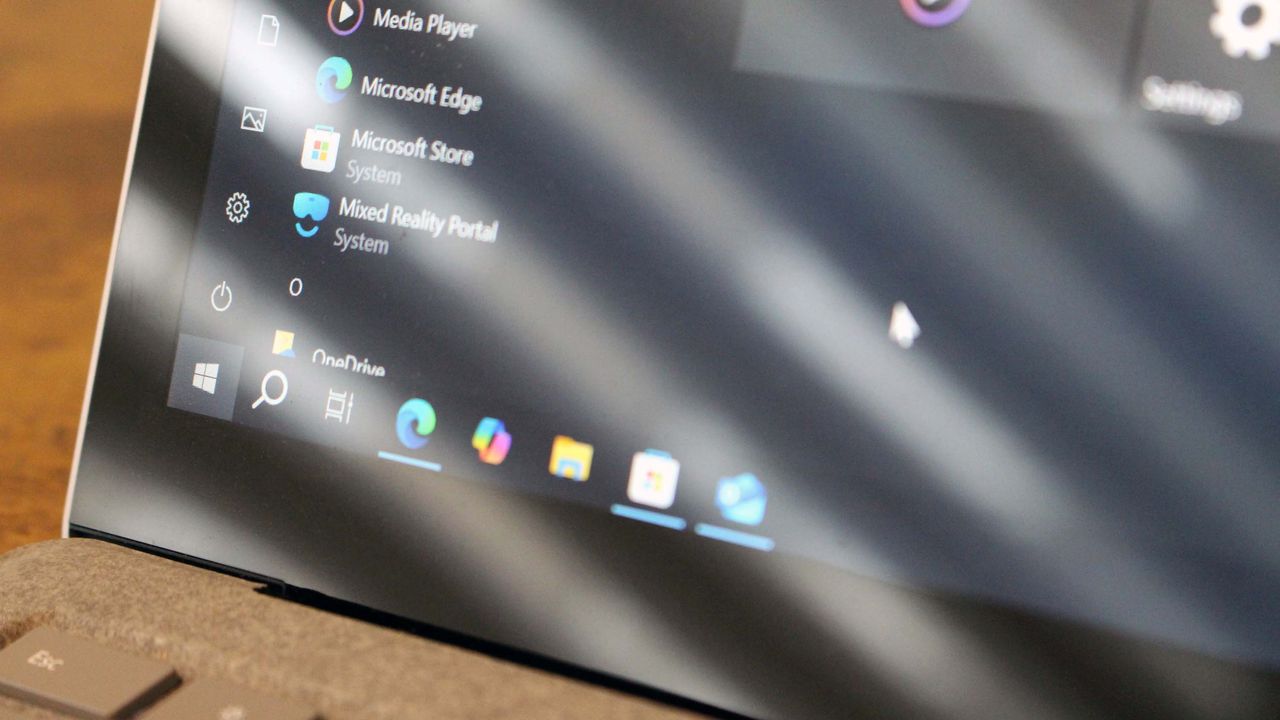
If you're still using a Windows 10 PC, you have just three weeks remaining before Microsoft ends support for the operating system. After over a decade on the market, Microsoft is finally ending its support for Windows 10. This means you need to take action to ensure your PC remains secure after support ends, as doing nothing will leave your device in a vulnerable state.
On October 14, Microsoft will end support for Windows 10. This means that starting next month, users who haven’t taken action will no longer receive security updates designed to keep their PCs secure from vulnerabilities discovered in the OS. This opens the door for attackers to exploit those unsecured devices.
Options to Keep Using Your Windows 10 PC
Microsoft isn't leaving Windows 10 users out in the lurch. The company has launched a new "Extended Security Updates" (ESU) program, which allows users to opt-in to an additional year of security updates. Other alternatives include moving to Windows 11 if your PC supports it or moving away from Windows entirely.
In this article, we’ll explain everything you need to know about Windows 10’s end of support and all the options available to remain safe on your PC.
How to Prepare for Windows 10's End of Life
Extended Security Updates (ESU)
The ESU program allows users to continue receiving security updates on Windows 10 for an additional year beyond October 2025. Access to the program is free if you sign in with a Microsoft account and sync your PC settings to the cloud. Alternatively, you can pay $30 or 1,000 Microsoft reward points.
Checking Specifications
Before making any decisions, it’s important to check your PC’s full specifications. You can do this through the official PC Health Check tool. Additionally, you can check your PC’s CPU compatibility and whether it has a TPM 2.0 chip, which is required for certain features.
Upgrading to Windows 11?
If your PC supports Windows 11, upgrading may be a viable option. However, if not, there are other paths to consider. Some users choose to stick with Windows 10, while others explore alternative operating systems like Linux or ChromeOS.
What Does EOL Mean?
EOL stands for "End of Life," meaning the end of support for a product due to obsolescence and the availability of a new replacement. For Windows 10, this means no more monthly security patches, bug fixes, or under-the-hood improvements. While your PC won’t suddenly stop working, it will become more vulnerable to threats.
Are There Any Alternatives to Windows 10?
The most obvious alternative is upgrading to Windows 11, but this might not be possible if your PC lacks a TPM 2.0 module or other minimum requirements. If your PC doesn’t meet these standards, you can try bypassing the TPM requirement, though Microsoft advises against it. Another option is switching to a different operating system, such as Linux or ChromeOS.
Upgrading Your PC: Our Top Recommendations
One foolproof way to avoid issues when Windows 10 support ends is to buy a new PC. The ASUS Zenbook A14 (2025) offers great battery life and an OLED display at a budget-friendly price. The Microsoft Surface Pro 11 provides a high-end experience with a Snapdragon X Elite chip and a versatile 2-in-1 design.
10 Years of Windows 10: How Did We Get Here?
Windows 10 was introduced in 2015 and quickly became the most popular operating system. It remained dominant for nearly a decade until Windows 11 surpassed it in traffic earlier this year. The end of support for Windows 10 is a unique situation, given the number of PCs that may not meet the requirements for an upgrade.
This page will be updated as necessary leading up to the cutoff date on October 14, 2025. Changes to Microsoft’s policies are not expected, and the ESU program will likely remain the best option for those who want to stay on Windows 10.

Post a Comment for "Windows 10 EOL: What You Must Do Before October 14 to Stay Secure"
Post a Comment