How to Use Shopify Payment Gateways
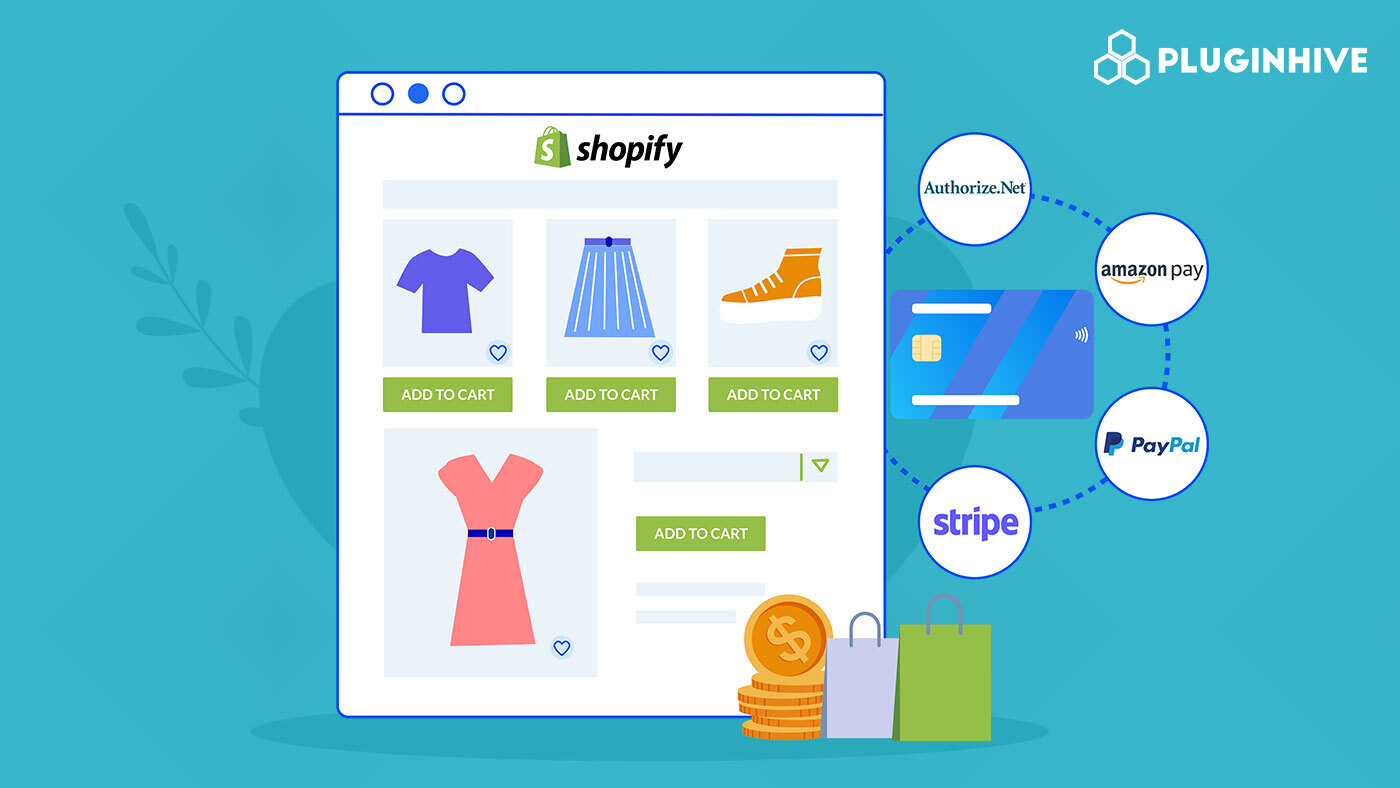
Unlock Seamless Sales: Your Guide to Shopify Payment Gateways
Hey there, future e-commerce mogul! Ever feel like you’re running a marathon, only to trip right before the finish line? In the online world, that finish line is the checkout page. You’ve got customers adding items to their carts, ready to buy, but then…bam! Payment problems. It's like inviting guests to a party and then telling them you only accept payment in seashells. Not exactly smooth, right?
Think about it: You’ve poured your heart and soul into creating a fantastic online store with killer products, a user-friendly design, and a marketing strategy that’s bringing in the customers. You're picturing those sales rolling in. But here's the cold, hard truth: if your payment gateway isn't up to snuff, all that hard work could be for naught. Imagine losing a sale because your customer's preferred payment method isn't accepted, or because the checkout process is clunky and confusing. Ouch! That's like watching money fly out the window.
Choosing the right payment gateway for your Shopify store isn't just about accepting payments. It's about creating a seamless, trustworthy, and even delightful shopping experience for your customers. It's about building trust, reducing cart abandonment, and ultimately, boosting your bottom line. After all, nobody wants to wrestle with a complicated checkout process just to buy a quirky cat t-shirt or a handcrafted coffee mug.
And that's where Shopify payment gateways come in. They're the unsung heroes of e-commerce, quietly working behind the scenes to ensure that money flows smoothly from your customers' wallets to your bank account. But with so many options out there, how do you choose the right one? Which one will offer the best rates, the most features, and the smoothest integration with your Shopify store?
Choosing the right payment gateway can feel like navigating a jungle of acronyms, fees, and technical jargon. Don’t worry, we're here to be your guide! We’ll break down everything you need to know about Shopify payment gateways, from understanding the different options available to optimizing your checkout process for maximum conversions. By the end of this article, you’ll be armed with the knowledge to choose the perfect payment gateway for your business, ensuring that your customers can pay with ease and you can focus on what you do best: growing your online empire. So, ready to turn those potential sales into actual revenue? Let's dive in!
Navigating the World of Shopify Payment Gateways
Alright, let's get down to business. Understanding Shopify payment gateways is key to running a successful online store. Think of it as building the foundation for your financial success. We're going to break it down into digestible chunks, making it easy for you to choose the best option for your needs.
Understanding Payment Gateways: The Basics
First things first, what exactly is a payment gateway? Simply put, it's the middleman between your customer and your bank. When someone buys something from your store, the payment gateway securely transmits their payment information to the payment processor (like Visa or Mastercard) and then back to your bank. It's like a digital handshake that ensures everyone gets paid safely and on time.
• The Role of a Payment Gateway: Think of it as the bouncer at your online club. It verifies the customer's payment details, ensures they have sufficient funds, and authorizes the transaction. Without it, you're basically leaving the door open for fraud and payment chaos.
• Different Types of Payment Gateways: There are generally two types: hosted and integrated. Hosted gateways redirect customers to a third-party site (like Pay Pal) to complete their purchase, while integrated gateways keep customers on your website throughout the entire process. Each has its pros and cons, which we’ll dive into later.
• Why It Matters: A smooth payment process is crucial for customer satisfaction. A clunky or unreliable gateway can lead to cart abandonment, lost sales, and a tarnished reputation. You want customers to think, "Wow, that was easy!" not, "Ugh, I'm never buying from them again."
Shopify Payments: The In-House Option

Shopify Payments is Shopify's very own payment gateway. It's tightly integrated with the platform and offers some compelling benefits. But is it right for you?
• Pros of Shopify Payments: No Transaction Fees: One of the biggest draws is that Shopify waives transaction fees when you use Shopify Payments. This can save you a significant amount of money, especially if you're processing a lot of sales.
Easy Integration: Setting up Shopify Payments is a breeze. It's seamlessly integrated with your Shopify store, making it incredibly user-friendly.
Centralized Management: You can manage everything from your Shopify dashboard, including payments, refunds, and payouts.
• Cons of Shopify Payments: Limited Availability: Shopify Payments isn't available in all countries. Check if it's supported in your region before relying on it.
Strict Requirements: Shopify has specific requirements for businesses using Shopify Payments. Make sure you meet these criteria to avoid any hiccups.
Payout Delays: Depending on your location, payouts can sometimes take a few days to process.
• Real-World Example: Imagine you're selling handmade jewelry. If you're using Shopify Payments and processing $10,000 in sales per month, you could save hundreds of dollars in transaction fees compared to using a third-party gateway.
Third-Party Payment Gateways: Expanding Your Options
If Shopify Payments isn't the perfect fit, don't fret! There's a whole universe of third-party payment gateways to explore.
• Popular Third-Party Options: Pay Pal: A household name in online payments, Pay Pal is widely trusted and accepted. It's a great option for reaching a broad customer base.
Stripe: Known for its developer-friendly API and robust features, Stripe is a popular choice for businesses that need more customization.
Authorize.net: A reliable and secure gateway that's been around for ages. It's a solid option for businesses that prioritize stability and security.
• Pros of Third-Party Gateways: Wider Availability: Many third-party gateways are available in more countries than Shopify Payments, giving you greater flexibility.
More Features: Some gateways offer advanced features like recurring billing, fraud protection, and detailed reporting.
Brand Recognition: Using a well-known gateway like Pay Pal can boost customer confidence and increase conversions.
• Cons of Third-Party Gateways: Transaction Fees: You'll likely have to pay transaction fees on top of Shopify's fees (if applicable).
Integration Complexity: Integrating a third-party gateway can sometimes be more complex than using Shopify Payments.
Added Complexity: Managing multiple accounts for payments can become cumbersome.
• Case Study: Let's say you're selling digital courses. Stripe might be a good option because it offers excellent recurring billing features, making it easy to manage subscriptions.
Choosing the Right Gateway: Factors to Consider
Okay, so how do you actually pick the right payment gateway for your Shopify store? Here are some key factors to keep in mind.
• Transaction Fees: Compare the transaction fees charged by different gateways. Even small differences can add up over time.
• Security: Choose a gateway that prioritizes security and offers robust fraud protection measures. Look for PCI DSS compliance, which ensures that payment data is handled securely.
• Supported Payment Methods: Make sure the gateway supports the payment methods your customers prefer, whether it's credit cards, debit cards, digital wallets, or local payment options.
• Integration Ease: Consider how easy it is to integrate the gateway with your Shopify store. Look for gateways that offer seamless integration and clear documentation.
• Customer Support: Choose a gateway that offers reliable customer support in case you run into any issues.
• Payout Schedule: Understand the gateway's payout schedule and how long it takes to receive your funds.
• Business Needs: Evaluate your business needs. Do you need recurring billing? Advanced fraud protection? Detailed reporting? Choose a gateway that offers the features you require.
• Example Scenario: Imagine you're selling internationally. You'll want to choose a gateway that supports multiple currencies and offers competitive exchange rates.
Setting Up and Managing Your Payment Gateway
Once you've chosen your gateway, it's time to set it up and start accepting payments. Here's a general overview of the process.
• Setting Up Shopify Payments: Go to your Shopify admin panel.
Navigate to "Settings" and then Payments.Choose "Shopify Payments" and follow the instructions to activate it.
You'll need to provide your business information, bank account details, and verify your identity.
• Setting Up a Third-Party Gateway: Go to your Shopify admin panel.
Navigate to "Settings" and then Payments.Choose "Third-Party Payment Providers" and select your desired gateway.
Follow the instructions to connect your gateway account to your Shopify store.
You may need to enter API keys or other credentials to complete the integration.
• Managing Your Payment Settings: Regularly review your payment settings to ensure everything is configured correctly.
Set up fraud protection measures to minimize the risk of fraudulent transactions.
Monitor your payout schedule and track your earnings.
Stay informed about any changes to the gateway's terms and conditions.
• Pro Tip: Always test your payment gateway setup before launching your store. Place a test order to ensure that payments are processed correctly.
Optimizing Your Checkout Process
Choosing the right payment gateway is just the first step. You also need to optimize your checkout process to reduce cart abandonment and increase conversions.
• Simplify the Checkout Process: Minimize the number of steps required to complete a purchase.
Offer guest checkout options so customers don't have to create an account.
Use clear and concise language in your checkout forms.
• Offer Multiple Payment Options: Give customers a variety of payment options to choose from, including credit cards, debit cards, digital wallets, and local payment methods.
Display payment logos prominently to build trust.
• Build Trust and Security: Use SSL encryption to protect sensitive payment information.
Display security badges and trust seals to reassure customers.
Provide clear and transparent information about your return policy.
• Mobile Optimization: Make sure your checkout process is optimized for mobile devices.
Use a responsive design that adapts to different screen sizes.
Test your checkout process on various mobile devices to ensure it works smoothly.
• Reduce Friction: Provide clear and helpful error messages.
Offer live chat support to assist customers with any issues.
Send abandoned cart emails to remind customers about their unfinished purchases.
• Example Optimization: Add a progress bar at the top of the checkout page to show customers how many steps are left. This can help reduce anxiety and encourage them to complete the purchase.
Future Trends in Shopify Payment Gateways

The world of online payments is constantly evolving. Here are some trends to watch out for.
• Buy Now, Pay Later (BNPL): BNPL services like Klarna and Afterpay are becoming increasingly popular, allowing customers to split their payments into installments.
• Cryptocurrency Payments: More and more businesses are starting to accept cryptocurrencies like Bitcoin as payment.
• Mobile Payments: Mobile payments are on the rise, driven by the increasing popularity of smartphones and digital wallets like Apple Pay and Google Pay.
• Seamless Checkout Experiences: Customers are demanding faster and more seamless checkout experiences. Gateways that offer one-click checkout options are gaining traction.
• Increased Security: As online fraud becomes more sophisticated, payment gateways are investing in advanced security measures to protect against fraud and data breaches.
• Future Prediction: In the future, we can expect to see even more personalized and frictionless payment experiences, powered by artificial intelligence and machine learning.
Frequently Asked Questions
Here are some common questions people have about Shopify payment gateways:
• Question: What is the difference between a payment gateway and a payment processor?
• Answer: A payment gateway is like the messenger that securely transmits payment information, while a payment processor is the entity that actually processes the transaction. Think of the gateway as the secure tunnel and the processor as the toll booth operator.
• Question: Can I use multiple payment gateways on my Shopify store?
• Answer: Yes, you can! Offering multiple payment options can increase conversions and cater to a wider range of customers.
• Question: How do I handle refunds with Shopify payment gateways?
• Answer: You can process refunds directly from your Shopify admin panel. The refund process will vary slightly depending on the gateway you're using.
• Question: Are there any hidden fees I should be aware of?
• Answer: Always read the fine print and understand all the fees associated with a payment gateway, including transaction fees, chargeback fees, and monthly fees. Transparency is key!
Conclusion: Your Gateway to E-Commerce Success
We've covered a lot of ground, friends! From understanding the basics of payment gateways to optimizing your checkout process and staying ahead of future trends, you're now armed with the knowledge to choose the perfect payment gateway for your Shopify store. Remember, selecting the right gateway isn't just about accepting payments; it's about creating a seamless, trustworthy, and delightful shopping experience for your customers.
Now, it's time to put your knowledge into action! Take a moment to evaluate your business needs, research different payment gateway options, and choose the one that best aligns with your goals. Don't be afraid to experiment and test different strategies to see what works best for your store. Remember, the goal is to make it as easy as possible for your customers to pay you.
So, go forth and conquer the world of e-commerce! Implement these strategies, watch your conversions soar, and build an online empire that you can be proud of. The key to success lies in providing a seamless and trustworthy payment experience that keeps your customers coming back for more. Now, what are you waiting for? Set up that perfect payment gateway and watch your sales skyrocket!
Ready to unlock seamless sales and take your Shopify store to the next level? Go set up or optimize your Shopify payment gateways today!
What exciting plans do you have for your improved payment process?

Post a Comment for "How to Use Shopify Payment Gateways"
Post a Comment