Windows Could Learn From Linux, But This Feature Is My Favorite
Understanding Desktop Environments in Linux
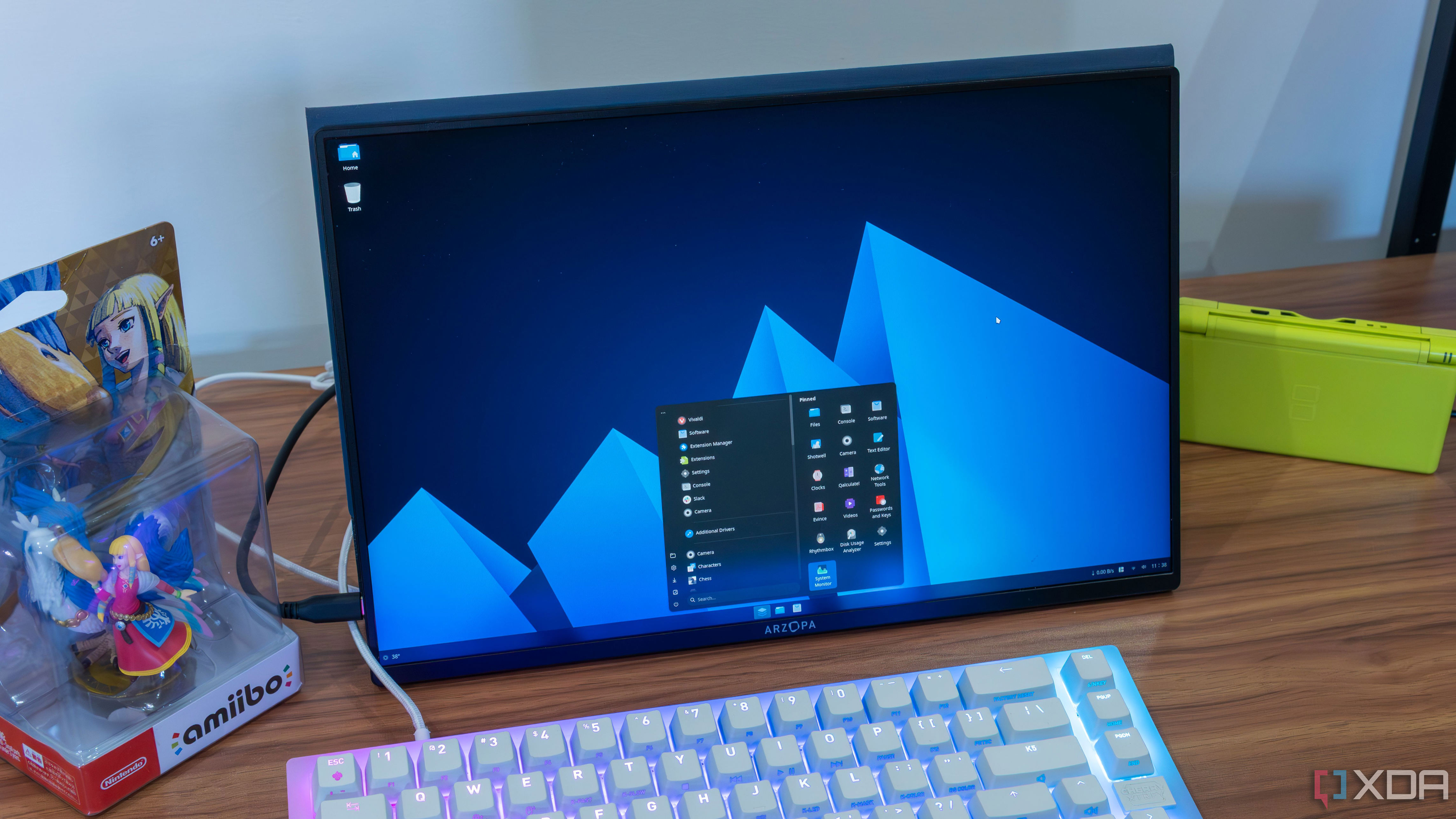
For many users, especially those who have spent years on Windows, the concept of desktop environments might be unfamiliar. However, these environments are a cornerstone of the Linux experience, offering a level of personalization that is rarely seen in other operating systems. A desktop environment is essentially the software that defines how you interact with your computer. On Windows 11, this includes elements like the taskbar, Start menu, and notification center. In contrast, Linux offers a variety of desktop environments, each providing a completely different user interface.
This diversity means that even within the same Linux distribution, switching to a different desktop environment can make the system feel entirely new. The way applications are displayed, the layout of windows, the app launcher, and even the settings menu can all change dramatically. It's similar to how different Android skins can make a Samsung phone feel very different from a OnePlus or a Google Pixel device. But on Linux, the differences between desktop environments are often more pronounced.
Examples of Desktop Environments
Looking at examples can help illustrate the range of possibilities. For instance, Ubuntu uses GNOME by default, which features a floating dock centered on the screen and a top bar showing system information like time and Wi-Fi status. KDE Plasma, another popular desktop environment, also has a floating dock but places it along the bottom of the screen, including system icons in the corner. Linux Mint, on the other hand, uses Cinnamon, which provides a full-width taskbar, centered application icons, and a widget in the bottom left corner. These variations show just how much flexibility Linux offers.
Beyond the visual aspects, each desktop environment allows for extensive customization. While the default look and feel may be set, users can tweak almost every element. This includes changing colors, layouts, and even functionality. Some desktop environments, like GNOME, offer extensions that allow for deep customizations, such as making the interface resemble Windows 11.
The Limitations of Windows 11
In comparison, Windows 11 offers far fewer options when it comes to customization. The operating system is locked down, with only one desktop environment available out of the box. Customization options are limited to changing the color of certain elements, adjusting transparency, and moving the Start menu. Beyond that, most changes require third-party tools, which are not officially supported by Microsoft. Even then, these tools often face compatibility issues and limitations.
While some developers have tried to create alternative interfaces for Windows, such as Seelen UI and Cairo Shell, these solutions still operate within the constraints of the Windows desktop. They can alter the appearance significantly, but they can't fully replace the underlying system. Tools like Rainmeter and xoblite offer more visual changes through skins, but they require significant effort to configure and use effectively.
The Benefits of Standardization
Despite its lack of customization, Windows 11 has its advantages. The standardized installer formats and consistent user experience make it easier for average users to navigate. Additionally, Windows has better support for hardware and drivers, thanks to its larger user base and commercial backing. This means that, while it may not be as flexible as Linux, it tends to work more reliably for most users.
However, this standardization doesn’t mean that Windows should be stuck in a state of stagnation. There is room for improvement, particularly in the area of user interface customization. Linux’s approach to fragmentation, while sometimes challenging, has led to a rich ecosystem of choices that cater to different preferences. If Microsoft could embrace a similar level of flexibility without sacrificing the reliability that users expect, it could offer a more satisfying experience for power users and casual users alike.
The Future of Customization
While it's unlikely that Windows will ever adopt the same level of customization as Linux, the idea of allowing users to tailor their experience more deeply is worth considering. The benefits of a highly customizable interface are clear, and there's no reason why Windows couldn’t offer more options without compromising stability. As technology continues to evolve, it's possible that future versions of Windows could bridge this gap, bringing more freedom and flexibility to users who want it.

Post a Comment for "Windows Could Learn From Linux, But This Feature Is My Favorite"
Post a Comment