macOS vs. Linux: Which Suits Your Homelab Best?
Understanding the Choice Between macOS and Linux for a Homelab
When setting up a homelab, one of the most common dilemmas is deciding between running macOS or Linux. Both operating systems have their own strengths and weaknesses, making the choice dependent on individual needs, budget, and preferences.
Both macOS and Linux share a similar foundation rooted in Unix. This means that many of the commands and software used on Linux can also be found on macOS. Tools like Homebrew and Docker are particularly useful for bridging the gap between the two platforms. However, despite these similarities, there are still significant differences in how each system operates and what it offers.
Linux's Dominance in Homelab Environments
Linux has become the go-to choice for many homelab setups due to its flexibility and cost-effectiveness. Unlike macOS, which is limited to Apple hardware, Linux can run on virtually any device. This makes it an excellent option for those looking to repurpose older or used hardware. Additionally, Linux distributions are often free, allowing users to save money while still gaining access to powerful tools and features.
For those without existing Apple hardware, macOS may not be a viable option. While it is possible to install macOS on non-Apple machines, doing so can lead to compatibility issues and performance problems—both of which are undesirable in a homelab environment. If you're using retired servers or other hardware that isn't officially supported by Apple, Linux is likely the better choice.
The Power of the Mac Mini
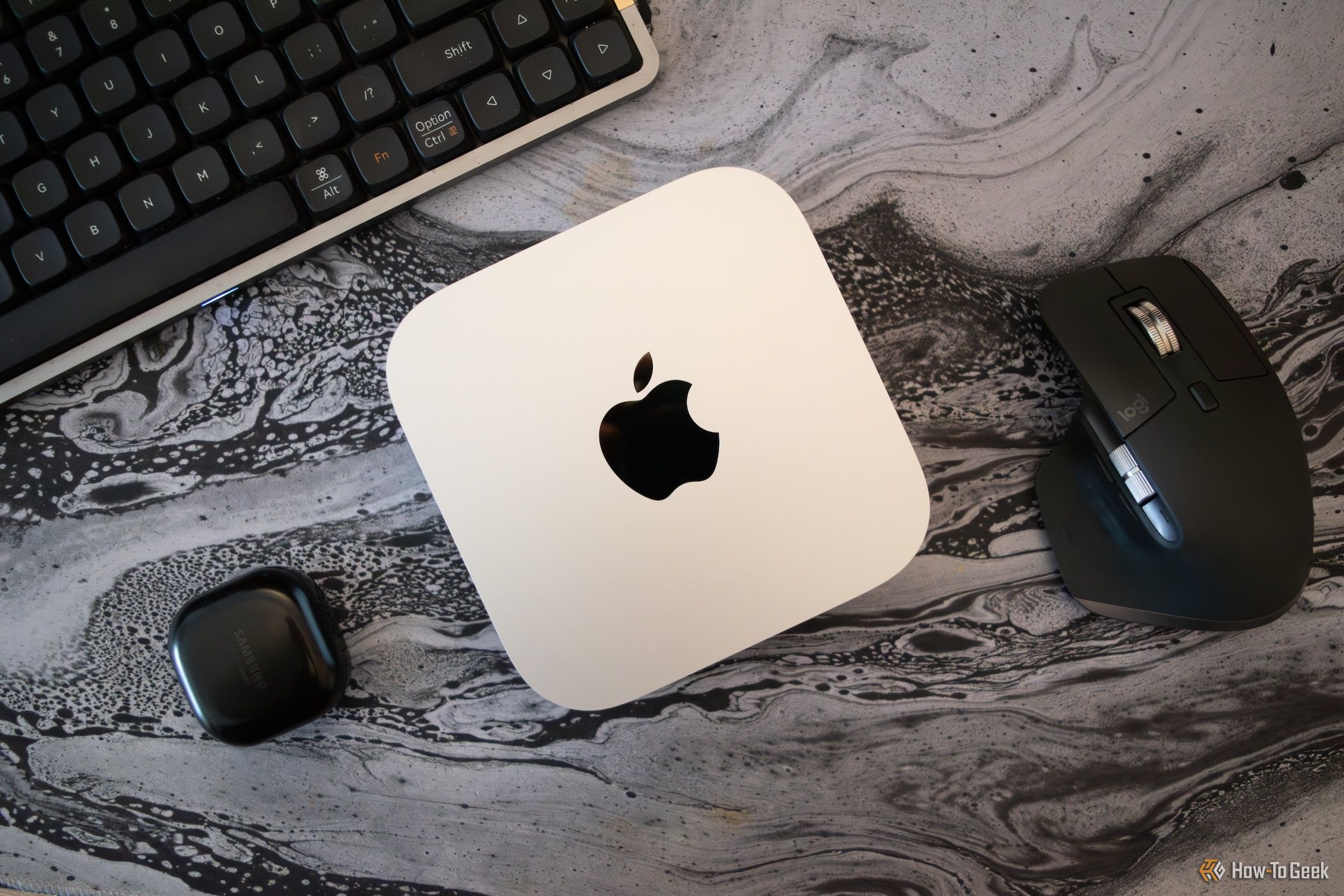
Despite the advantages of Linux, macOS has its own unique strengths, especially when it comes to hardware performance. The Mac mini, for instance, offers impressive power and efficiency at a relatively low price point. With Apple Silicon chips like the M1 and M4, the Mac mini delivers exceptional performance for tasks such as AI computation, media transcoding, and running virtual machines.
The Mac mini is particularly well-suited for homelab use because of its compact size, energy efficiency, and strong performance. It can handle tasks like running Docker containers, hosting media servers, and even supporting large language models natively. For users who want a powerful, reliable machine without the hassle of building their own, the Mac mini is an attractive option.
macOS vs. Linux: A Matter of Preference
While the hardware capabilities of macOS are hard to ignore, the decision ultimately comes down to personal preference. If you’re already invested in the Apple ecosystem or prefer the user experience of macOS, then it could be a great fit for your homelab. On the other hand, if you value open-source flexibility and cost savings, Linux might be the way to go.
One of the key benefits of Linux is its adaptability. It can run on almost any hardware, making it ideal for users who want to repurpose old equipment or build custom systems. Plus, Linux is widely used in server environments, so learning it can be valuable for future career opportunities.
The Best of Both Worlds?
It’s also worth considering a hybrid approach. Many users run both macOS and Linux in their homelabs, leveraging the strengths of each system for different tasks. For example, you could use a Mac mini for media streaming and AI tasks, while using Linux for more traditional server functions like hosting virtual machines or managing storage.
Both operating systems support similar command-line interfaces and can interoperate with each other. This means that you don’t have to choose one over the other—you can create a setup that works best for your specific needs.
Conclusion
In the end, there’s no definitive answer to whether macOS or Linux is better for a homelab. Each has its own set of advantages and drawbacks. Your choice will depend on factors like budget, available hardware, and personal preferences. Whether you opt for the power and convenience of macOS or the flexibility and cost-effectiveness of Linux, both can provide a solid foundation for your homelab.

Post a Comment for "macOS vs. Linux: Which Suits Your Homelab Best?"
Post a Comment