Apple One: The Ultimate Entertainment Bundle You're Missing
Understanding Apple One
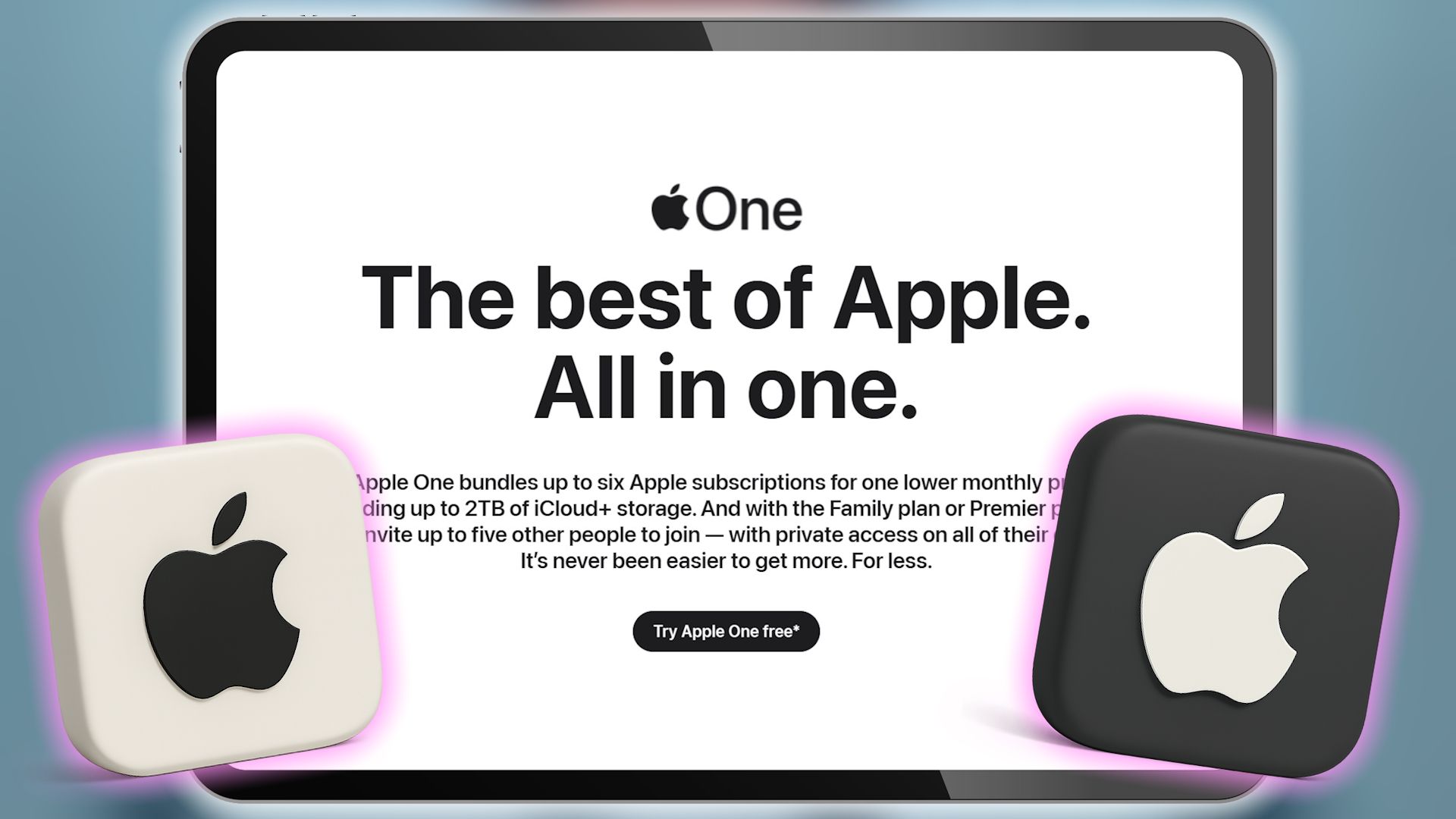
Apple One is a subscription service launched in 2020, designed to bundle multiple Apple services into one convenient package. This approach allows users to access a variety of features without the hassle of managing separate subscriptions. The service offers different tiers, so you can choose the plan that best suits your needs and budget.
The current Apple One plans are:
- Individual Plan ($19.95 per month): Includes Apple Music, Apple TV+, Apple Arcade, and 50GB of iCloud+ storage.
- Family Plan ($25.95 per month): Offers Apple Music, Apple TV+, Apple Arcade, and 200GB of iCloud+ storage for up to five other people.
- Premier Plan ($37.95 per month): Provides Apple Music, Apple TV+, Apple Arcade, Apple News+, Apple Fitness+, and 2TB of iCloud+ storage shared with up to five other people.
Each plan is tailored to meet different user requirements, making it easier to find the right fit.
Why Apple One Stands Out as an Entertainment Package
Apple One is not just about convenience; it's also about quality and variety. Here’s why it might be the best entertainment option available:
-
Apple Music: With over 100 million songs and more than 30,000 curated playlists, Apple Music is a top choice for music lovers. It includes exclusive radio stations like Apple Music 1, Apple Music Hits, and Apple Music Country, offering live and recorded shows tailored to specific genres and artists.
-
Apple TV+: This platform provides access to popular TV shows and films, such as Severance and Your Friends and Neighbors. New content is added monthly, ensuring a fresh selection of programming.
-
Apple Arcade: A growing library of games across various genres, including action, brain teasers, and sports. All games are ad-free and easy to start, even for newcomers.
-
Apple News+: Access to over 400 leading publications, covering local, national, and international news. Recent additions include daily and weekly puzzles in various formats.
-
Apple Fitness+: An ever-changing list of workout videos, including HIIT, Yoga, Meditation, and more, to keep your fitness routine engaging.
-
iCloud+: Expands on Apple's free iCloud backup service by offering additional storage and enhanced privacy tools. Depending on your plan, you can have up to 2TB of storage for secure backups of photos, videos, and notes.
Savings and Convenience
One of the biggest advantages of Apple One is the cost savings. By bundling services, you can save money compared to purchasing individual subscriptions. For example:
- Individual Plan: Saves approximately $9 per month.
- Family Plan: Saves around $11 per month.
- Premier Plan: Offers the most significant savings, about $29 per month, which is a 43% reduction.
Convenience is another key benefit. All services are accessible across multiple Apple devices, including iPhone, iPad, Mac, and Apple TV. Additionally, many services are available on non-Apple devices, such as smart TVs, gaming consoles, and streaming boxes like Google TV, Roku, and Fire TV. Some services, like Apple Music and Apple TV+, can also be accessed through web browsers or dedicated apps on Windows and Android devices.
How to Switch to Apple One
If you're considering switching to Apple One, there are a few things to keep in mind. You might worry about whether you'll use all the services included in a plan. However, Apple One offers flexibility with its three-tier system, allowing you to choose the plan that fits your lifestyle.
For those hesitant to commit, Apple offers a 30-day free trial for new users. This gives you the opportunity to explore the services without any financial risk. During the trial, you can only sign up for subscriptions that you aren't already using through a free trial or existing subscription. After the trial period, the plan will automatically renew unless canceled.
Checking Eligibility and Subscribing
To check if you're eligible for Apple One, simply ensure you own at least one supported device, such as an iPhone, iPad, Mac, or Apple TV. Once you have a compatible device, you can access the full range of services through other supported platforms.
Subscribing to Apple One is straightforward. On an iPhone or iPad, open the Settings app, select your name, and then go to "Subscriptions" to follow the prompts. On a Mac, open the App Store and navigate to your profile to find the Apple One link. On an Apple TV, go to the Subscriptions section within your Apple ID settings.
Regardless of the device you use, you’ll need to select your preferred tier and payment method. If you opt for a family plan, you’ll also need to choose your family members. Once you’re signed up, Apple One services will be available on all supported devices where you're logged in with your Apple ID. You may also receive an email from Apple confirming your membership and providing further details on how to activate it.
By choosing Apple One, you're not just saving money—you're gaining access to a comprehensive suite of services that enhance your digital experience.

Post a Comment for "Apple One: The Ultimate Entertainment Bundle You're Missing"
Post a Comment