4 Reasons I Stay With Windows 10 After Support Ends
Reasons to Keep Using Windows 10
As the end of support for Windows 10 approaches, it's an opportune time to reflect on its strengths and why many users might prefer to continue using it. While Microsoft is encouraging a shift to Windows 11, there are compelling reasons to stick with Windows 10 for as long as possible.
Hardware Compatibility
One of the main advantages of Windows 10 is its broad compatibility with various hardware, including older systems. In contrast, Windows 11 has more stringent requirements, such as TPM 2.0, Secure Boot, and newer CPUs. This means that some older but functional computers may not be able to upgrade without workarounds. Even with these workarounds, devices need processors that support the POPCNT instruction, which primarily affects chips from before 2007. For many users, this makes Windows 10 the only practical option for older devices.
User Interface and Customization
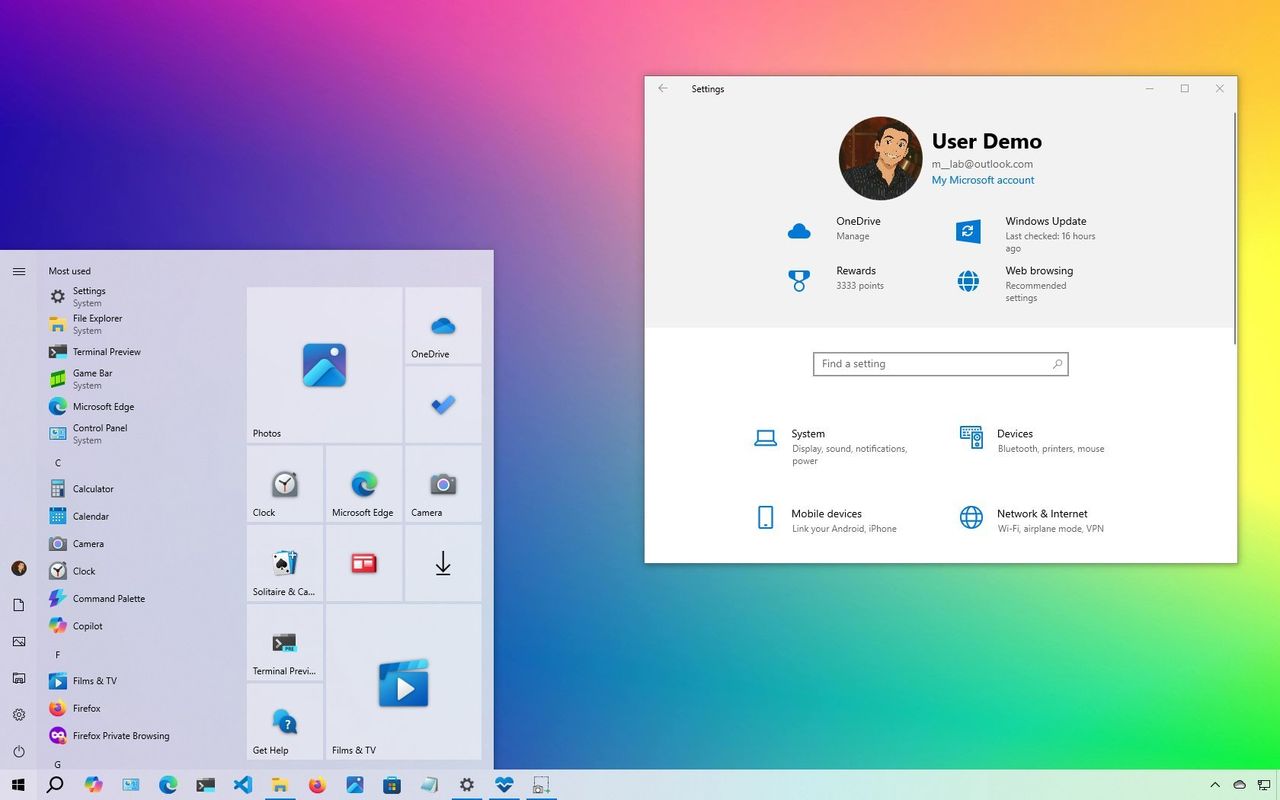
Windows 10 offers a more customizable user interface compared to Windows 11. The Start menu in Windows 10 combines the familiar layout of Windows 7 with the modern elements of Live Tiles from Windows 8. Users could resize the menu, use it in full screen, and quickly scroll through apps thanks to its left-aligned design. The Taskbar was also highly flexible, allowing users to move it to any edge of the screen, resize it, and customize it without restrictions. In contrast, Windows 11 limits customization options, centers the Start menu by default, and simplifies right-click menus, which can slow down power users.
No AI to Worry About
Windows 10 includes limited AI features, mainly through Microsoft Edge and the optional Copilot app, both of which can be easily removed or disabled. This gives users more control over their system and helps maintain a sense of privacy. On the other hand, Windows 11 integrates AI into nearly every update, with features like Windows Recall, Click to Do, and AI agents in Settings. While AI is becoming more prevalent, not all users are comfortable with this level of integration in the operating system.
Familiar and Stable
Windows 10 has been around since 2015, giving Microsoft ample time to refine the user experience and resolve bugs. Many users find it more stable and reliable than Windows 11, which is still evolving and has some issues and occasional bugs. For older users, the familiarity of Windows 10 makes it easier to use and navigate, requiring minimal learning time. Features like the multi-row Taskbar and the ability to move it to different parts of the screen in Windows 10 are often missed in Windows 11.
What Happens Next
Although Windows 10 remains popular, support for Home and Pro editions will end on October 14, 2025. This means the operating system will no longer receive security updates, new features, or technical support. The logical choice is to upgrade to Windows 11, but there are alternatives for those who want to stay on Windows 10.
Users can enroll in the Extended Security Update (ESU) program to continue receiving security updates for another year. The program costs $30 (or equivalent in your region) and provides critical updates until October 2026. Alternatively, users can redeem 1000 points from their Microsoft Rewards program or get it for free by using OneDrive to back up data to the cloud.
To enroll in the ESU program, users can go to Settings > Update & Security > Windows Update and click the "Enroll now" option under the "Check for updates" button. They'll need to sign in with a Microsoft account to access the program. Microsoft is rolling out this option gradually, so it may take some time to appear on your device.
Final Thoughts
Whether you choose to upgrade to Windows 11 or stay on Windows 10 with the ESU program, it's essential to consider your needs and preferences. Each option has its advantages, and the decision ultimately depends on your specific situation and requirements.

Post a Comment for "4 Reasons I Stay With Windows 10 After Support Ends"
Post a Comment