6 Signs Your Smart TV Is Watching You (and How to Stop It)
Understanding the Risks of Smart TV Security
While you enjoy your favorite movies and shows, it's possible that your smart TV is watching you in return. This potential invasion of privacy is a growing concern for many users, making it essential to take proactive steps to secure your device.
Signs Your Smart TV Might Be Compromised
One of the first indicators that your smart TV’s security may be at risk is if the default privacy settings have changed without your input. For example, if data-sharing options were previously disabled but are now enabled, or if your login credentials for various apps seem altered, it could suggest that someone has remotely accessed your TV or that malicious software is installed to collect personal information.
Another red flag is the appearance of unusual pop-ups. While some notifications are normal—such as alerts about app updates or new features—sudden pop-ups asking you to click on suspicious links, install unknown apps, or send money to resolve an issue are cause for concern. These messages often create a sense of urgency, prompting you to act without thinking. If you encounter such a pop-up, avoid interacting with it. Instead, close it immediately and run a security scan on your device.
Performance Issues and Unusual Behavior
A sudden drop in your smart TV’s performance can also be a sign of a security breach. While it's natural for devices to slow down over time, a significant decline in speed could indicate that malware is running in the background and consuming system resources. Regular maintenance, such as clearing the cache or updating the software, can help improve performance, but if the issue persists, it’s worth investigating further.
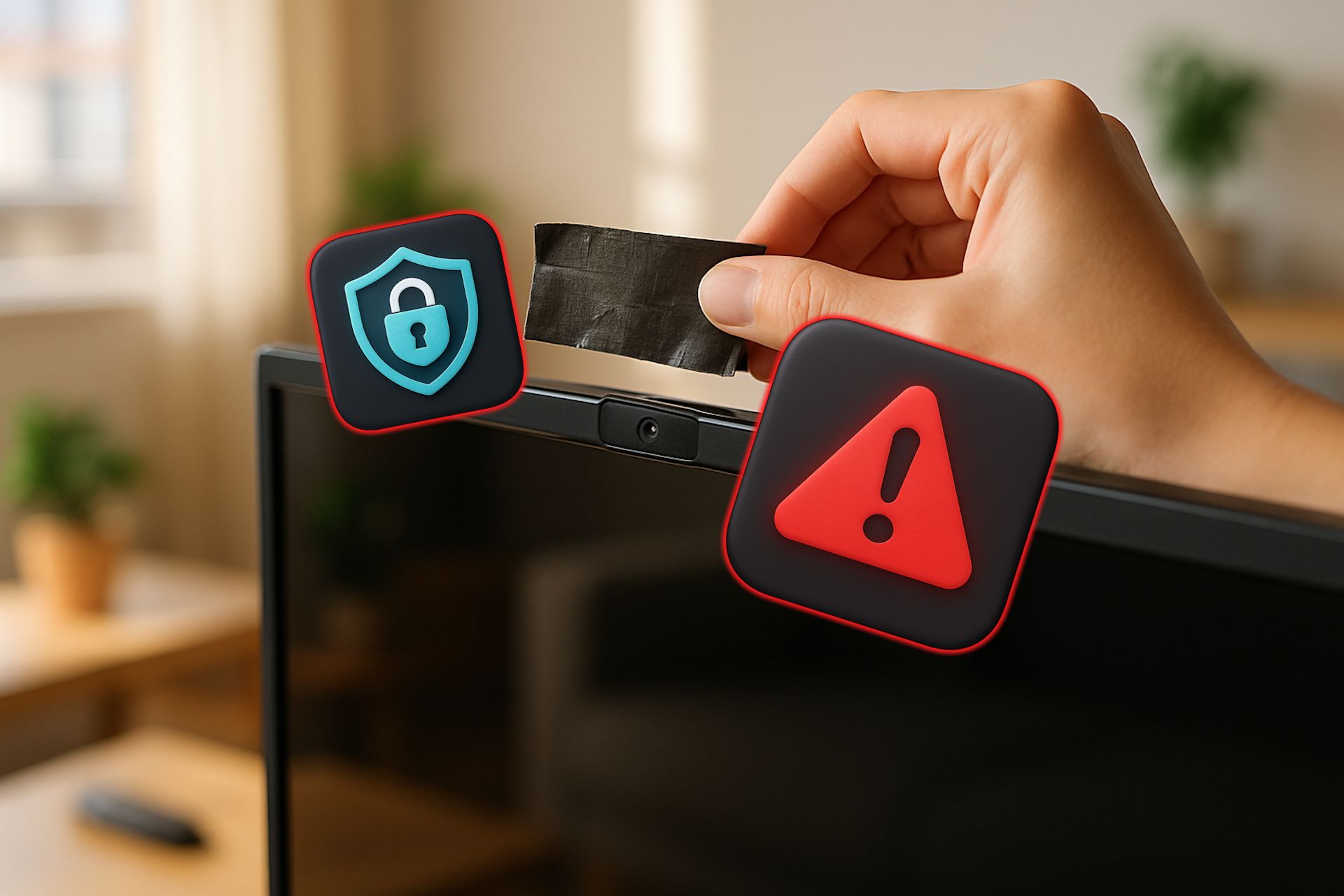
Another concerning behavior is when your smart TV’s microphone or camera turns on unexpectedly. This could mean that someone is remotely accessing your device to monitor your activities without your knowledge. To mitigate this risk, ensure that the microphone and camera are disabled when not in use. If you cannot turn off the camera, consider covering the lens with a piece of black tape to prevent unauthorized access.
Unfamiliar Apps and Redirects
If you notice apps on your smart TV that you don’t remember downloading, it could indicate that an unauthorized user has gained access to your device or that malware is silently installing harmful applications. Regularly reviewing the list of installed apps can help you identify any suspicious entries. If you find any unfamiliar apps, uninstall them immediately. Additionally, check for any unusual activity within your streaming apps, such as content in your watch history that you haven’t actually viewed.
Another warning sign is when your smart TV automatically redirects you to unfamiliar websites. This could be an attempt by a hacker to send you to a phishing page or a spoofed site designed to steal your personal information. Avoid clicking on any links that appear suspicious and ensure that you only download apps from trusted sources.
Steps to Take if Your Smart TV Has Been Hacked
Hackers can gain access to your smart TV through various methods, including exploiting software vulnerabilities, installing malicious apps, phishing attacks, or hijacking your Wi-Fi network. If you suspect that your device has been compromised, it's important to stop using it as usual. A hacker might be monitoring your activity in real-time, which could expose sensitive information like login credentials.
To address the issue, install reliable anti-malware software and run a full scan on your device. If this doesn’t resolve the problem, disconnect your TV from the internet entirely. This will cut off any potential access points for hackers. Then, perform a complete system restart. While this may feel inconvenient, it can help remove unauthorized apps and restore your device to a clean state.
If you're only experiencing a few of these signs, it might simply be time to upgrade your smart TV. However, if multiple issues occur simultaneously and your device is relatively new, it’s crucial to take immediate action to protect your privacy and ensure your smart TV remains secure.
)
Post a Comment for "6 Signs Your Smart TV Is Watching You (and How to Stop It)"
Post a Comment